
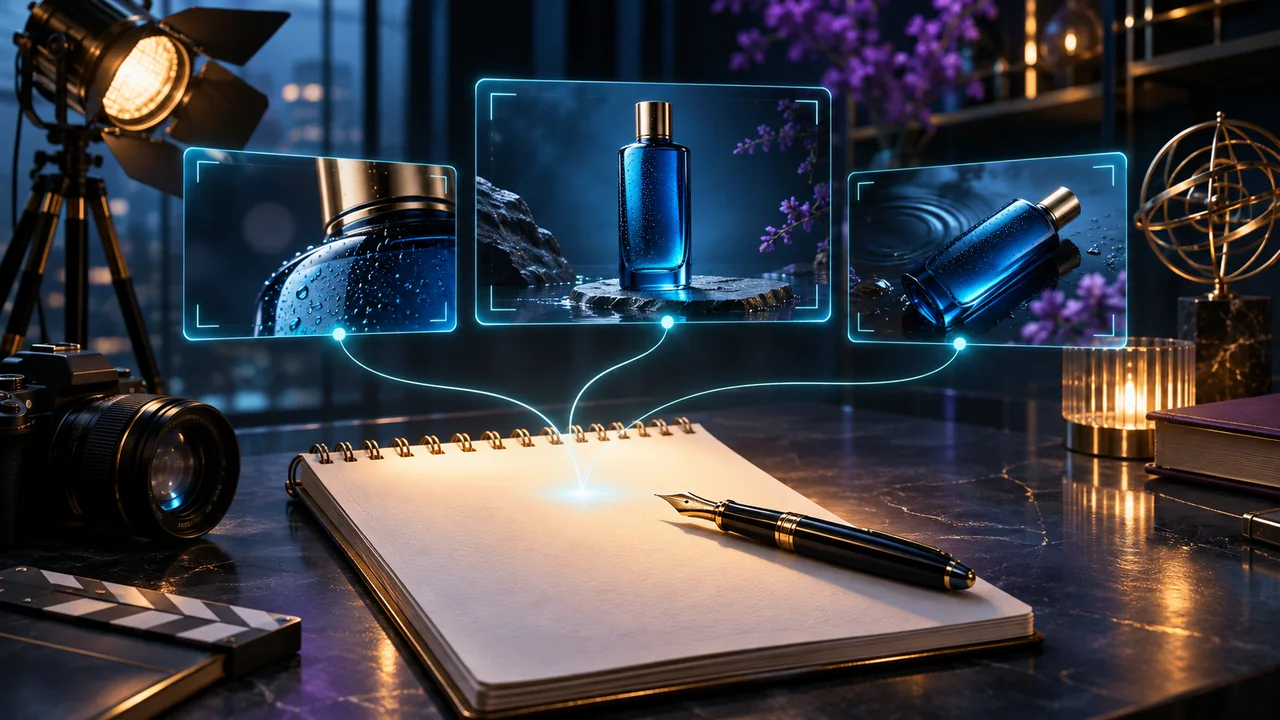
A useful video prompt describes a shot you could explain to a camera operator. Long strings of quality adjectives do not resolve conflicting actions. Start with a visible subject, a single action and a clear camera instruction, then add only the details that matter to the brief.
Use a compact shot structure
- Subject: what must remain recognizable?
- Action: what changes during the clip?
- Camera: is the view fixed, moving closer or moving sideways?
- Environment: what lighting and background support the scene?
- Timing: does the action start immediately or develop gradually?
This is an editorial planning structure, not a special syntax required by every model. Check the chosen mode's own guidance and controls. Google's Veo guide illustrates several visual and audio dimensions, while model-specific behavior still varies.
Example: a quiet product reveal
A matte blue bottle stands on a stone shelf. A soft reflection moves across its surface as the camera slowly slides to the right. The background remains out of focus. The shot ends with the bottle centered.
The example gives the movement a purpose. It does not ask for a zoom, rotation, scene change and explosion at once. For an image-to-video mode, shorten the appearance description and focus on what should move relative to the reference.
Diagnose the result before rewriting
If the subject moves when it should be still, state the intended stillness and simplify the camera request. If the motion is too busy, remove secondary actions. If the ending is abrupt, describe a settled final composition rather than adding more dramatic adjectives.
Change one variable at a time. Keep a small revision log: original prompt, observed problem, changed instruction and result. A useful note is “camera overshot the bottle; replaced orbit with slow lateral slide,” not simply “version two looks better.”
Keep controls separate from prose
Select duration, resolution and aspect ratio through the available settings. A prompt that says 4K does not unlock a resolution the model does not support. Audio instructions should be used only when the selected mode supports them; exact dialogue may still require review and editing.
In AI Studio, inspect the model's supported inputs, preserve the prompt you want to reuse and confirm the current price before submitting. Prompt Lab can help you develop wording, but review any suggested prompt against the actual video model's capabilities.
A final five-second review
Read the prompt aloud. Can you identify the subject, action and camera? Remove contradictory directions. Then check whether the reference and settings agree with the words. A clear prompt improves the quality of your experiment; it does not guarantee a perfect output or justify repeated paid retries without a budget.