
An AI product advertisement should make the offer easier to understand, not invent a better product. Start with an approved photograph and a factual brief. Keep product appearance, claims and pricing separate from decorative visual ideas so you can review each one properly.
Write a one-message brief
Choose one audience, one product and one action you want the viewer to take. For a reusable bottle, the message might be “a compact bottle for your everyday bag.” Do not add claims about insulation, durability or health benefits unless the business can substantiate them.
Define the mandatory visual details: shape, cap, material, color and any identifying label. Keep the original photograph next to your storyboard. Adobe's product-shot documentation describes AI-assisted product imagery, but an attractive generated setting is not evidence of product accuracy.
Plan three editable moments
- Opening: show the product clearly in an appropriate setting.
- Detail: emphasize one genuine design feature with restrained movement.
- Closing: leave clean space for a separately added offer and call to action.
These can be separate short clips combined in an editor. You do not need to ask one generation to deliver a complete advertisement with flawless typography and multiple scene changes.
Original prompt example
The bottle stands upright on a pale desk beside a closed notebook. The camera moves slowly closer. Natural window light creates a gentle reflection. The background stays simple, with clear space on the left for later text.
Use an image-reference mode when it supports your source photograph. Review the selected model's limits in SponsorGlobal AI Studio, choose valid settings and confirm the actual price before generation.
Put the brief into Studio
For the upload mechanics, use the image-to-video guide. For this ad, keep the original product photograph as the reference and use one restrained motion instruction. Choose only duration, resolution and framing options offered by the selected variant. Adaptive framing may follow the source image; do not assume every image-to-video model offers a separate vertical setting.
Treat First Frame, Last Frame and additional Reference Images as different controls. Use a combination only when the selected model explicitly allows it. A reference image is not a promise that the output will reproduce the product exactly.
Read the estimate, complete the required inputs, then review and confirm the final price. Use the video budgeting guide to set an exploration allowance before generating. Track the existing task instead of resubmitting a delayed request. When it completes, review the output in My Creations and download it for editing.
A five-second shot plan
For a model that offers five seconds, plan a continuous slow push toward the bottle: let the opening establish its silhouette, the middle reveal the cap and material, and the ending settle on the product. This is an editorial plan, not a guarantee of frame-accurate timing. Add the offer and call to action later in your editor. If the result changes the bottle's shape or label, reject it for product advertising rather than disguising the error with text.
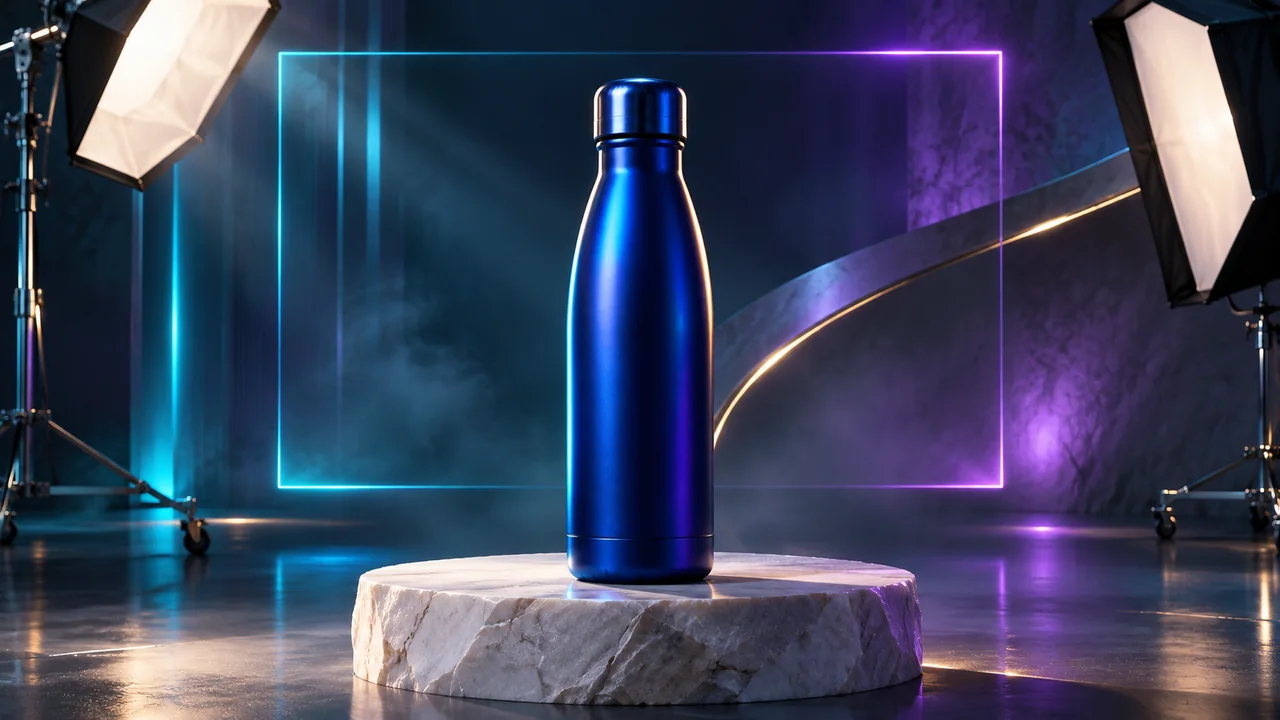
This prompt and plan are original editorial examples, not a claim that we generated or measured this particular advertisement. The cover is illustrative. No paid generation was performed for this guide's review on 17 November 2026.
Protect the details that matter
Inspect packaging, logos, seams, proportions and reflections throughout the result. Reject frames that change the product or imply a feature it does not have. Add exact prices, discount dates, logos and legal copy in a separate editor rather than trusting generated text.
For people, voices, music and brand assets, confirm that your permissions cover the planned use. Avoid presenting a generated actor as a real customer testimonial. Clearly distinguish illustrative scenes from demonstrations of actual product performance.
Measure the creative honestly
Prepare two edits that change one creative element, such as the opening shot or headline. Compare results using your advertising platform's actual reporting, not a promised conversion uplift. Keep the audience, offer and measurement window comparable where practical.
Before publication, review the clip on a phone with sound off and on. Can the product and message still be understood? Confirm the destination link and offer details. See the existing campaign planning guide for organizing the broader launch.
Reference
Adobe product imagery workflow
Ready to prepare your own brief? Browse models and preview the price in AI Studio.
Explore the available creative tools and generation workflow on the SponsorGlobal AI Studio overview.